Type code.
Learn
instantly.
Real code, always.
Real Python, JavaScript, Rust and 500+ more. Measure WPM, accuracy and flow while an AI explains every line you finish.
00Coding speed test · 500+ languages · free
Try it. Right here.
Four real lines of code. Press any key and the clock starts — nothing to install, no account.
Live test · try it here
def wpm(chars, secs):
    gross = chars / 5 / (secs / 60)
    if gross >= 90: return "gold"
    return round(gross, 1)
- WPM
- 0
- ACC
- 100%
- TIME
- 0.0s
- STREAK
- 0
Press any key to start · indentation is automatic
The keys prose tests never train
Browse all 500+ languagesAbout
CodeSpeedTest is a free coding speed test for people who type code, not prose — real syntax from 500+ languages, and an AI that explains every line the moment you finish it.
Accuracy first, speed always, built to stick.
Prose tests train letters. Code is brackets, operators and indentation — so that’s what you practise, measured live, until your hands know it.
More about us01The reel
Every language, rolling past.
Real snippets · real WPM · scroll to run the reel
02Key facts
A snapshot of the bench.
 Languages500+Real code samples in every one.
- Certificate tiers4Bronze to Platinum, each with an accuracy floor.
 Sign-ups needed0Open a snippet and start typing.
03Selected work
Every way
to practise.
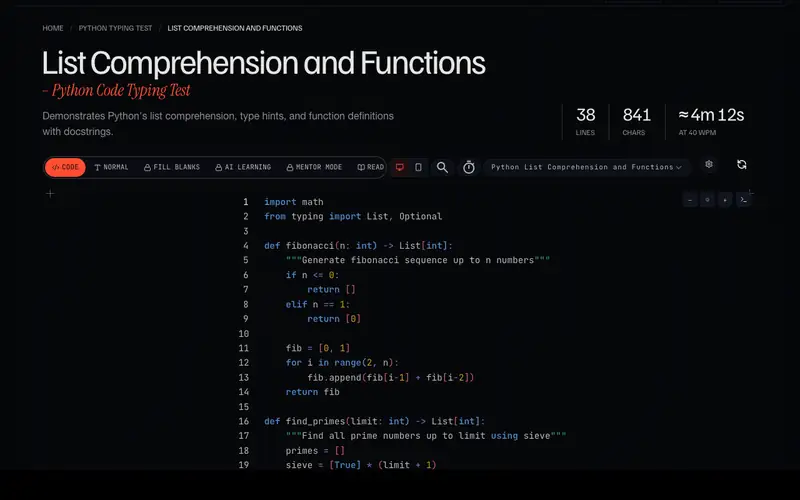
View all modes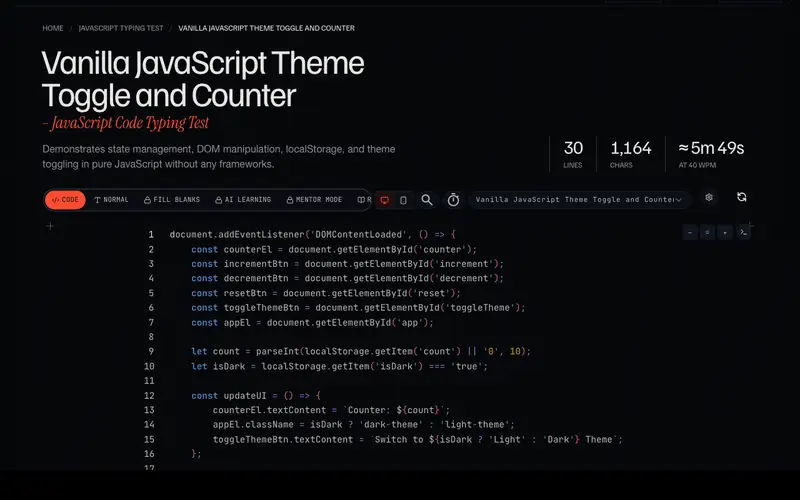 Code typing testReal snippets, live WPM, an AI that explains each line.Explore
 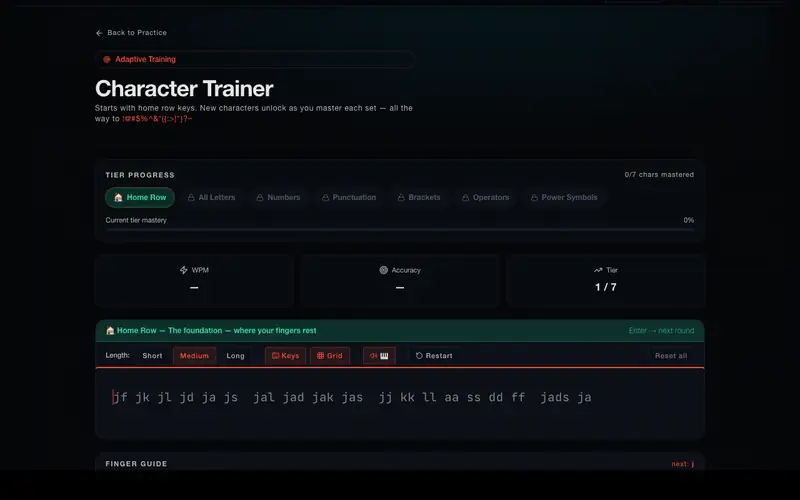 Adaptive trainingNew keys unlock as you master the last ones.Explore
 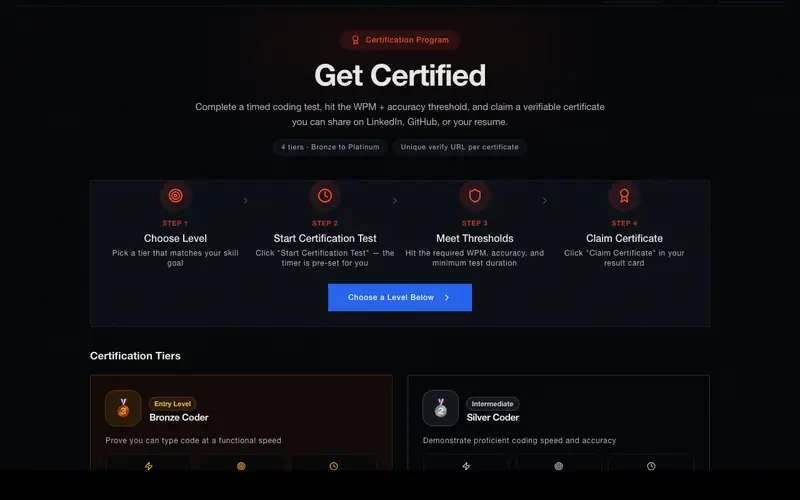 CertificatesA timed test, four tiers, a verifiable link.Explore
 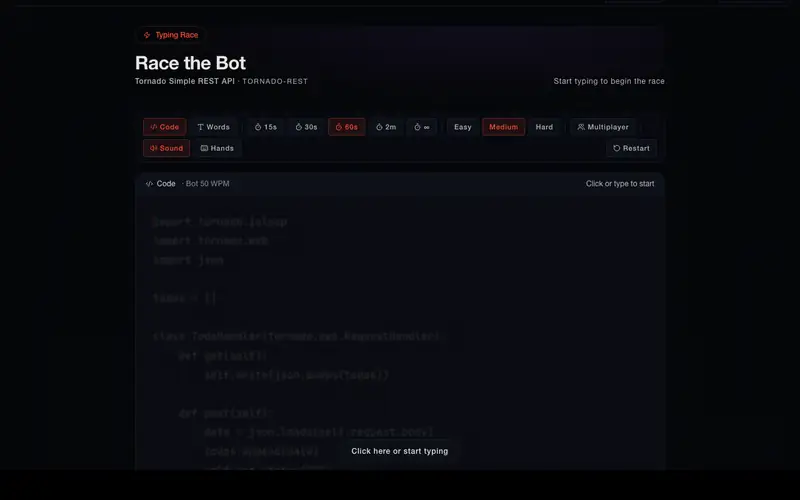 Race the botType against a pace-setter at the speed you pick.Explore
 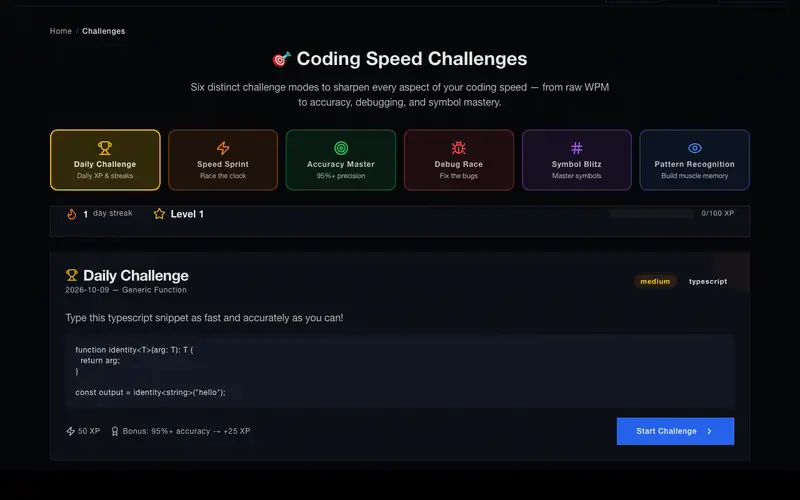 ChallengesDaily, sprint, accuracy, debug and symbol drills.Explore
 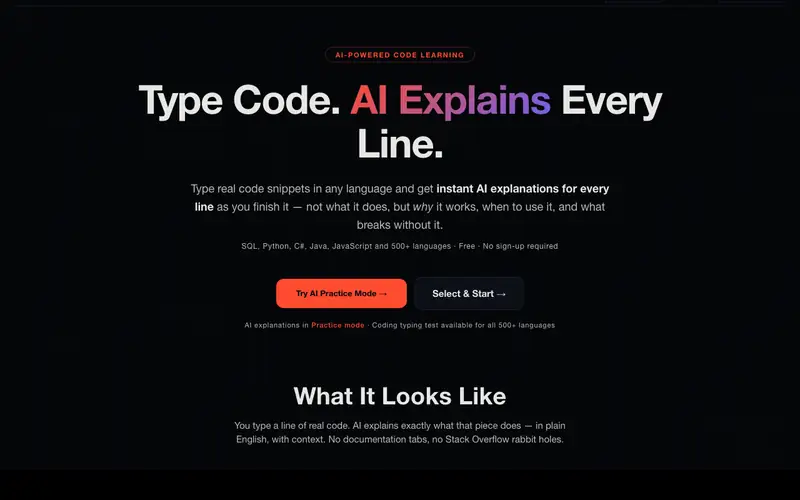 Learn with AIFinish a line; it tells you what it does and why.Explore
 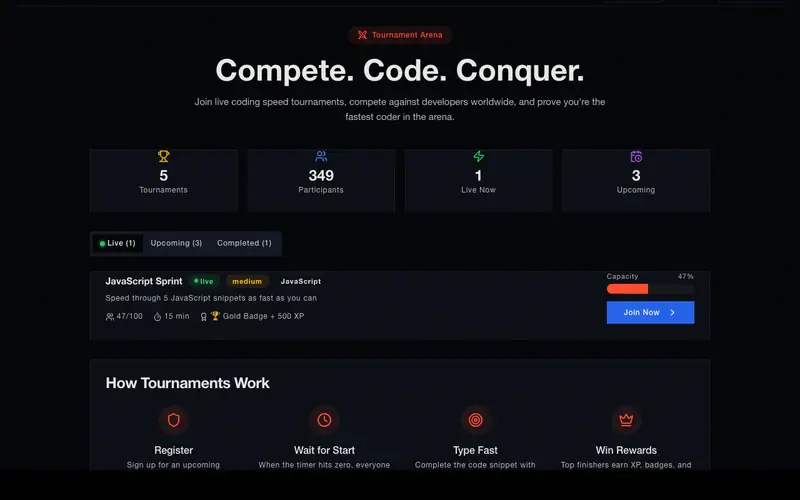 TournamentsLive events against developers worldwide.Explore
04Your power-ups
Type. Learn. Rank. Certify.

AI explains every line
Finish a line and the built-in AI explains what it does, why it's written that way, and the concept it shows.
AI speaks it too
The explanation is read aloud as you finish each line — type, read and listen at once.
500+ languages
Python, JavaScript, TypeScript, Rust, Go, Java, C++, Swift, Kotlin and 500+ more, each with 10+ real samples.
Real-time WPM
Raw WPM, net WPM, CPM, accuracy, error rate and backspace ratio — while you type, not after.
Timed & unlimited
Timed drills from 15 seconds up, or unlimited mode for full-file practice sessions.
Leaderboard
Benchmark globally, claim certificates, and compare against developers worldwide.
Muscle memory
Brackets, operators and syntax patterns, repeated until they're second nature.
Track progress
WPM, accuracy and error trends across sessions with built-in activity history.
Different drills. One standard of craft.
05Certificates
Find your rank.
Four tiers, the same thresholds the certificate test uses. Speed alone isn't enough — every tier has an accuracy floor.
- Bronze30+ WPM · 85%
- Silver60+ WPM · 90%
- Gold90+ WPM · 92%
- Platinum120+ WPM · 95%
No run yet. Type the four lines at the top of the page and your pin lands on this scale.
Take the certificate test06The board, live
Real people. Real numbers.
No quotes, no stock photos: the fastest hands on the site right now, straight from the leaderboard.
- Developers
- —
- Tests finished
- —
- Top speed
- —
Practice in motion
Fifteen corners of the app. One keyboard.
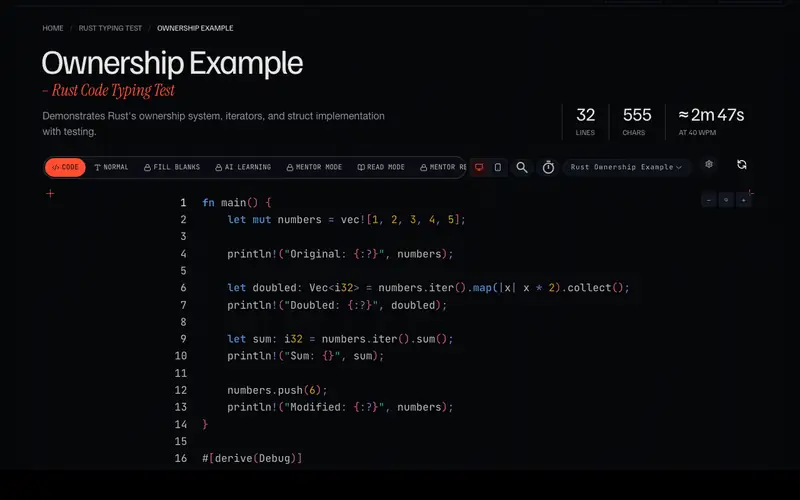
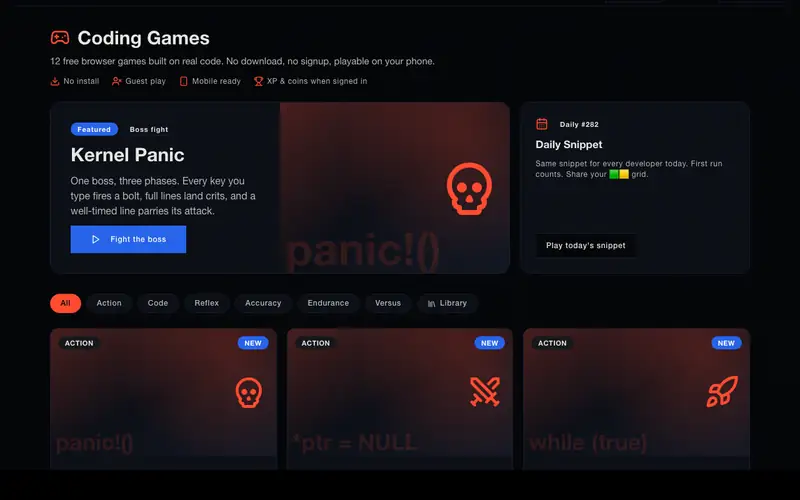
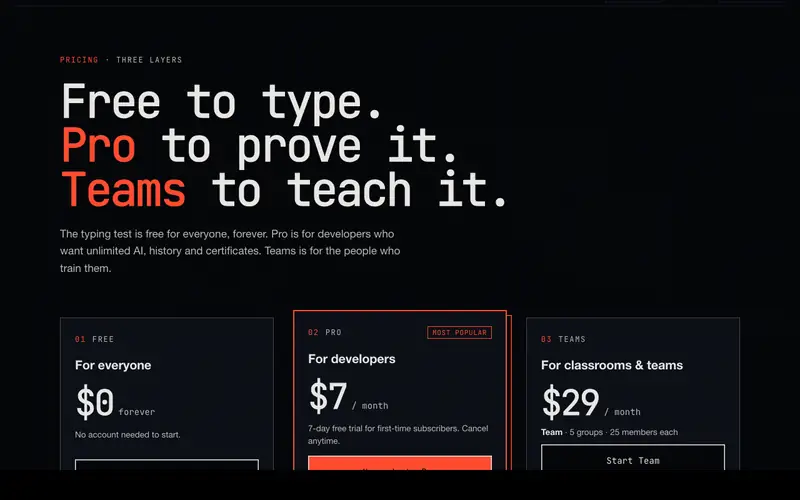
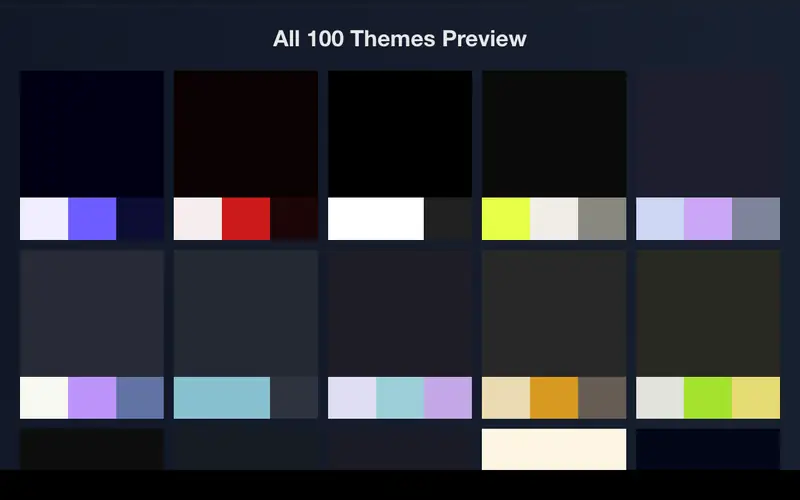
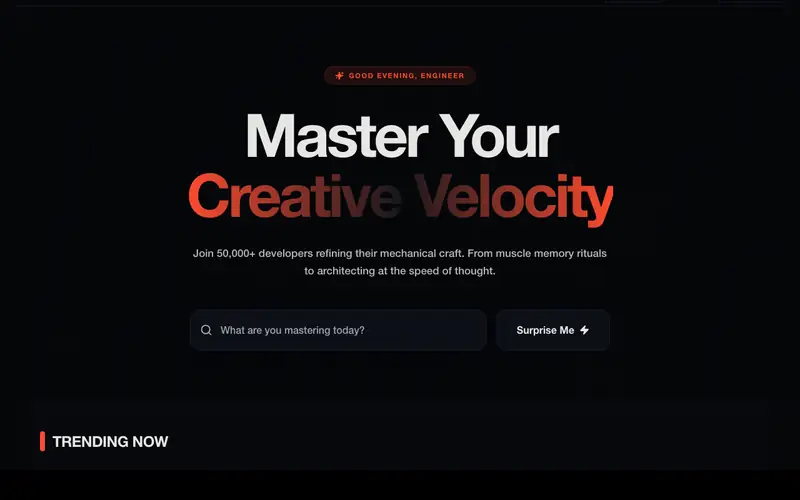
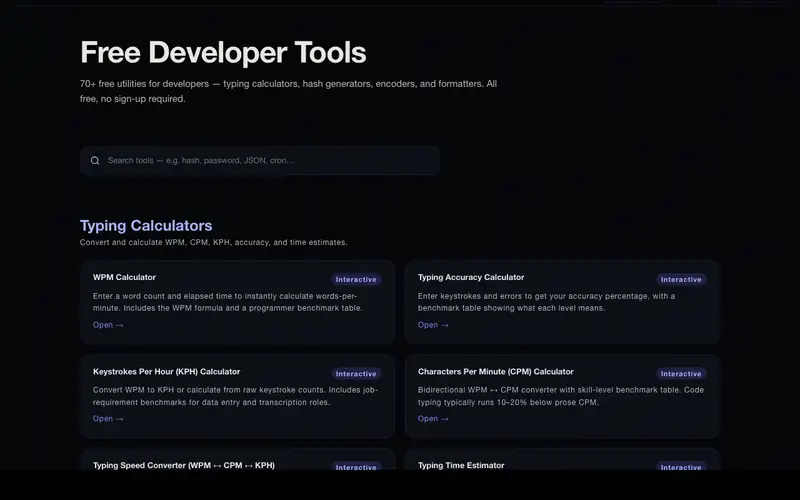
Concepts, drills and tools, all on one bench.
Browse all 500+ languages08Choose your language
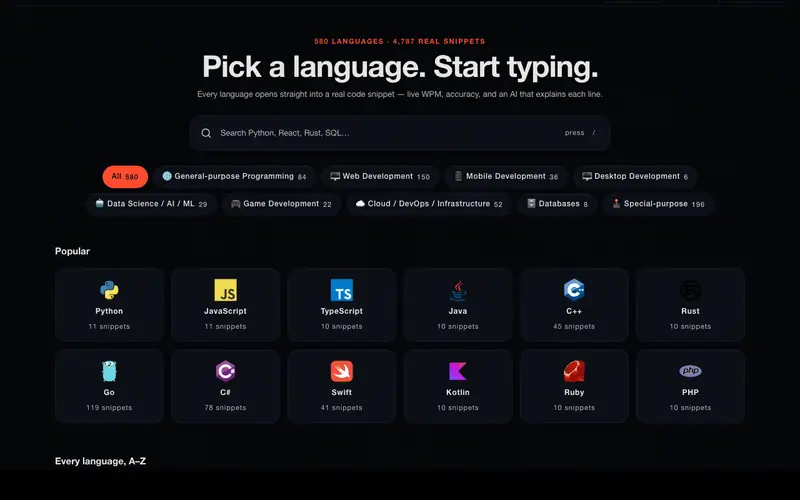
Pick a language. Start typing.
The twelve most-typed languages on the site. Every one of the 500+ has real code samples, not lorem ipsum.
09How it works
Three steps. No setup.
- PICK!
Choose a language
Pick from 500+ languages and frameworks — Python, JavaScript, Rust, Go, C++, TypeScript, and more.
- TYPE!
Type real code
Brackets, operators, indentation — the real thing. Finish a line and the AI explains it while it's still in your hands.
- LEVEL UP!
See your results
WPM, net WPM, accuracy, error rate and CPM — live, then in full after the run. Share it or put it on the leaderboard.
10FAQ
Questions, answered.
What is CodeSpeedTest?
CodeSpeedTest (CST) is the #1 free coding speed test platform built for programmers. It lets you measure your typing speed, accuracy, and WPM using real code snippets from 500+ programming languages — not random prose text.
How is CodeSpeedTest different from regular typing tests?
Unlike regular typing tests that use prose, CodeSpeedTest uses actual code with brackets, operators, indentation, and syntax patterns. It measures your real-world coding fluency, not just how fast you can type English sentences.
Is CodeSpeedTest free to use?
Yes, CodeSpeedTest is completely free with unlimited tests. You can practice in 500+ languages, track your progress, compete on the leaderboard, and share results — all with no sign-up required.
What languages does CodeSpeedTest support?
500+ programming languages and frameworks including Python, JavaScript, TypeScript, Java, C++, Rust, Go, Swift, Kotlin, C#, Ruby, PHP, Flutter, Dart, Scala, R, SQL, HTML, CSS, Bash, and many more.
What is a good WPM score on CodeSpeedTest?
Beginners typically score 20–35 WPM, intermediate developers 35–60 WPM, and advanced programmers 60–100+ WPM. Code typing is slower than prose because of special characters. Accuracy matters more than raw speed.
What is the difference between raw WPM and net WPM?
Raw WPM counts every keystroke divided by 5 per minute. Net WPM subtracts errors from raw WPM, giving a more accurate measure of your effective coding speed.
Does CodeSpeedTest track my progress over time?
Yes. You can see your WPM, accuracy, error trends, and improvement over time. Create a free account to save progress across sessions.
Can CodeSpeedTest help with coding interviews?
Absolutely. CodeSpeedTest builds muscle memory for real syntax patterns, reduces typing errors under pressure, and increases coding fluency — skills that directly translate to better interview performance.
Does CodeSpeedTest work on mobile?
CodeSpeedTest works on mobile devices, though it performs best with a physical keyboard. For the best experience, use a desktop or laptop.
How do I improve my coding speed?
Practice daily with CodeSpeedTest using real code, focus on accuracy before speed, learn keyboard shortcuts, build muscle memory for brackets and operators, and track your net WPM over time.
Explore the site
Ready when you are
Start your
session.
Pick any of 500+ languages, type real code, track your WPM and accuracy, and see where you rank.